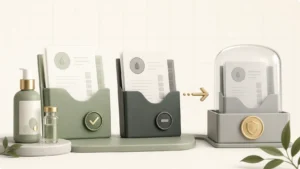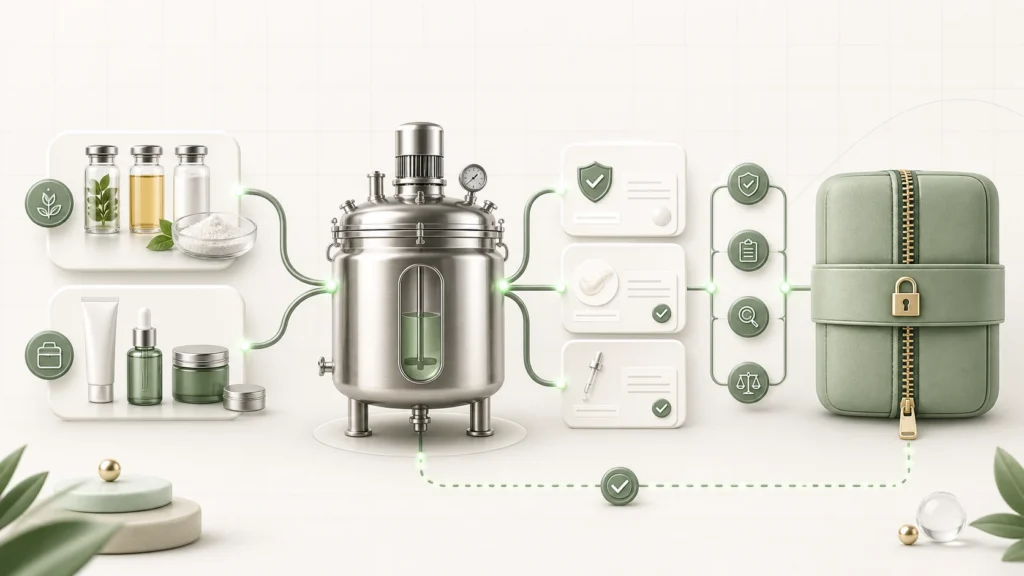
A Batch compliance package brings together the controlled versions and lot evidence behind one production record. It makes missing documents explicit instead of presenting an incomplete package as complete.
Before creating the Batch
- Save the Formula Version intended for production.
- Create the Product and Product Version that combine that formula with the correct packaging and product information.
- Generate and review the PIF Draft. Approve the PIF document only after human review.
- Upload and classify the primary lot COAs and other supporting documents.
Step 1: Select the Product and Product Version
Create or open the Batch and select its Product. Choose the exact Product version intended for this run. The Product Version provides the immutable Product snapshot, including its controlled Formula Version and packaging references.
If the selected Product Version is not approved, Formulator Online warns you when marking the Batch as Done. The current workflow allows you to continue after acknowledging the warning, so your operating procedure must define when an unapproved version is acceptable.
Step 2: Confirm the Formula and PIF references
Review Formula version used by this batch. If a newer Formula Version exists, use it only before the Batch is completed and save the Batch to confirm the selection. Done Batches keep their fixed version.
When selecting a PIF document for controlled use, choose the approved version connected to the Product Version. Older legacy Batches can retain their saved formula snapshot without being incorrectly attached to a newer version.
Step 3: Complete production and quality records
Record the actual Ingredient and Packaging lots used. Complete the manufacturing information available for the Batch, including batch size, dates, conditions, equipment, method and procedure. Add quality-control evidence such as pH, stability, microbial, safety and performance testing, plus observations, deviations and notes where applicable.
Step 4: Review Compliance documents
Open the Batch’s Compliance documents tab and select Refresh if the underlying records were updated. Review:
- Product, Product Version, Formula Version and PIF document version;
- exact Ingredient and Packaging lots;
- Primary COAs and other Primary documents included;
- manufacturing, quality-control and deviation information;
- the Missing documents list.
A missing-document count is a review signal. Return to the relevant lot or catalog record, upload and classify the file, set the correct Primary document and refresh the package.
Step 5: Export the ZIP package
Select Export ZIP. The package contains the available controlled documents and a manifest with the Batch details, version references, formula snapshot, lot traceability and explicit missing-document entries. Depending on the available record, it can also include the approved PIF document, finished-product evidence, manufacturing records, QC results and deviations.
How audit history is preserved
Significant actions such as version creation, approval, PIF generation, document replacement, Batch completion and package export are recorded in Changelog history. Controlled records retain authors, timestamps, reasons and exact references. Later changes create new working versions rather than silently mutating the historical snapshot.
Final review
- Does the Batch point to the intended Product and Product Version?
- Is the Formula Version fixed and correct?
- Is the selected PIF document approved and linked to the Product Version?
- Are the actual Ingredient and Packaging lots recorded?
- Are the correct Primary documents included?
- Has every missing item been resolved or consciously documented?
- Has the exported ZIP been reviewed before external use?
Return to the complete Product, PIF and Batch compliance workflow overview.