Lesson 1/18 — Start with account settings and your workspace. Follow 18 short lessons from purchased materials to production, inventory, compliance and PIF.
Before you start
An account you can sign in to. No ingredients or formulas are required yet.
Sign in and choose where you work
- Open the application. For a new account, follow the registration screen and email verification; for an existing account, use Log in.
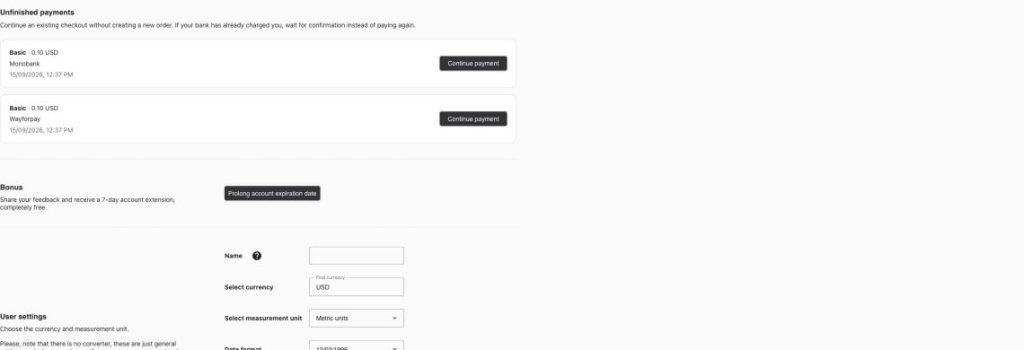
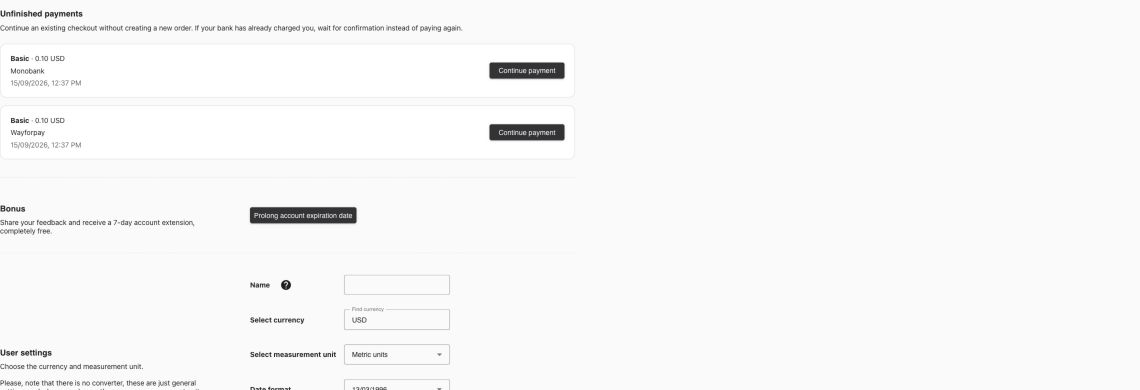
- Open Account → Profile. Check that you are using the intended account and that the account is active. Do not start a second checkout just because a payment confirmation is delayed.
- Use the Workspace selector at the top. Keep the same workspace for suppliers, ingredients, lots, formulas, products and batches. A record in another workspace will not automatically become selectable here.
- Open Account → Workspaces to review the workspace name and your role. Additional workspaces and team invitations require the corresponding account permissions. The local Basic account displayed an Enterprise requirement when Add workspace was submitted. You can follow this course in your existing Default workspace.
Set units before entering numbers
- Choose English in the Language selector for the screenshots used in this course. Italian readers can follow the Italian text and the English button names in brackets.
- In Profile, choose Metric units, your currency and the date format, then select Save settings. The demo screenshots use grams and USD; these are fictional teaching prices.
- Treat a later currency or unit change carefully: the settings screen says it changes the displayed unit or currency and is not a converter. Do not assume that an old price in USD becomes the equivalent amount in EUR.
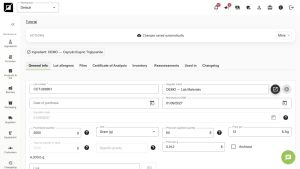
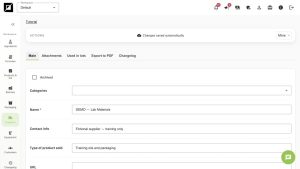
- Create a naming convention: use DEMO — for practice records and a unique batch index for each production run. Keep real customer and supplier information out of shared practice screenshots.
Know which features your plan exposes
| Workflow | Current local permission mapping |
|---|---|
| Ingredients, formulas and basic batch records | Core workflow; entity limits still apply |
| Batch packaging, product cost tables and PDF export | Professional and above |
| Lot stock deduction, movement ledger and file upload | Premium and Enterprise |
| Additional workspaces and invitations | Check Enterprise permissions and your workspace role |
Your common example
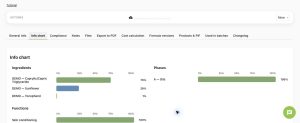
We will use DEMO — Body Oil Training: 70% Caprylic/Capric Triglyceride, 29% Sunflower Oil and 1% Tocopherol. A 1,000 g pilot requires 700 g, 290 g and 10 g, then fills 20 units at 50 g each. All supplier data and prices are fictional. This is a software exercise; no commercial safety, stability or shelf-life conclusion is implied.
Worked examples in the application
Click any screenshot to read it at full size. All DEMO records are fictional local examples.
Expected result
You can identify your active workspace, currency and units, and you know which later lessons need additional plan permissions.