Lesson 16/18 — Keep observations, specifications and controlled versions separate.
Before you start
A saved formula and actual test observations.
Document the work
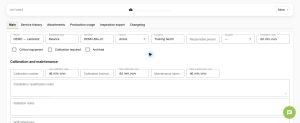
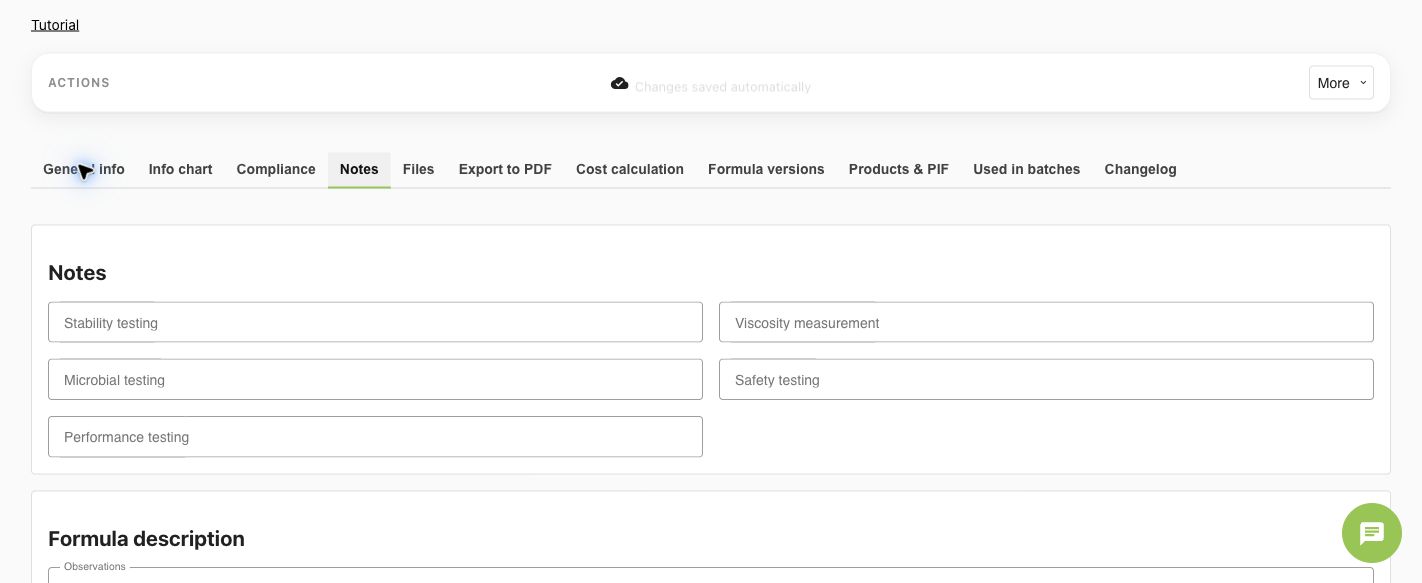
- In Formula → General info, review Formulation and Specifications. Open Notes for testing and observations. Record the actual procedure, pH/viscosity, conditions, stability, microbial, safety and performance evidence where available.
- Write acceptance criteria in Specifications and actual observations in the testing/notes fields. An empty test field must not be described as passed. Use Files for the original reports.
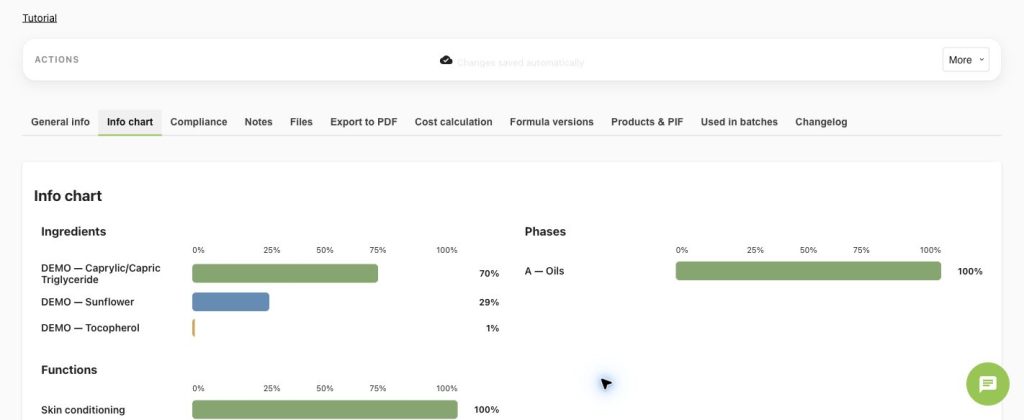
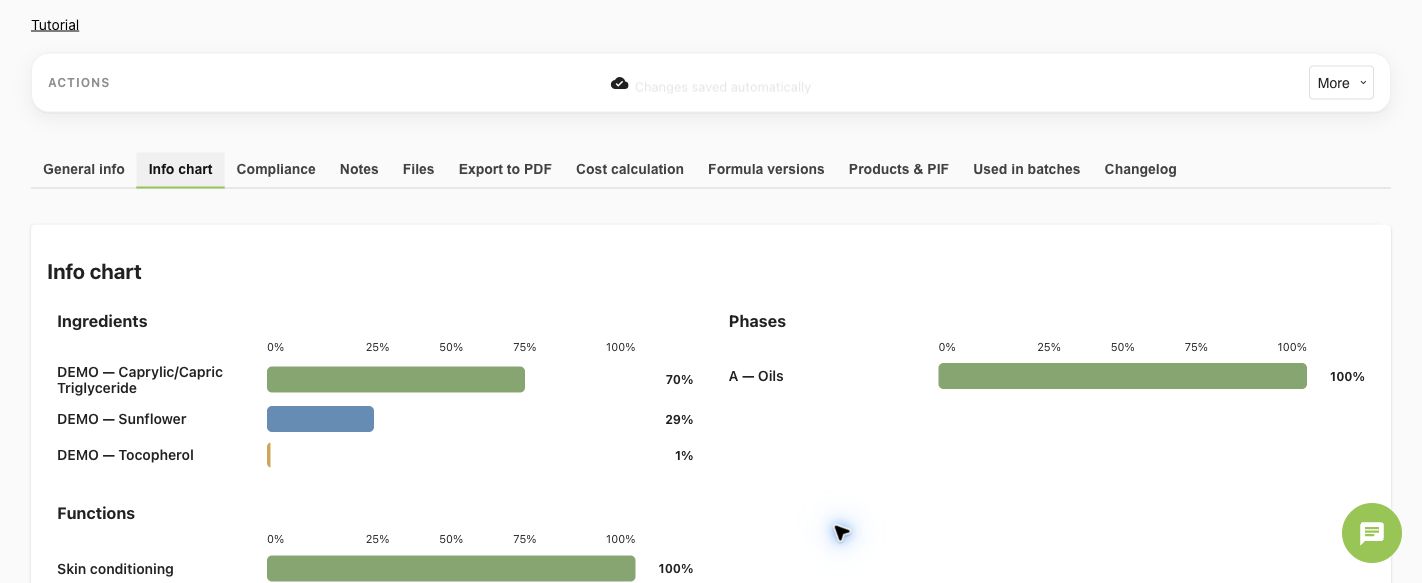
- Open Info chart. Review ingredient, phase and available functional/allergen distributions. Charts summarize entered data; they do not measure physical stability.
Compare and control
- From the formula list, select the formulas you want to compare and use Compare. Choose the baseline and show differences only when useful.
- Review composition, testing/specifications and compliance separately. A difference, missing field and not-applicable result are different states.
- Save a Formula Version when the working formula is ready for a controlled snapshot. Restoring a version changes the working copy; existing production snapshots remain.
Check
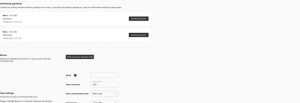
For soap calculations, use the soap formula settings, oils, alkali, superfat and water inputs appropriate to that workflow; review their units and supplier properties. A calculated recipe is not a validated test result.
Worked examples in the application
Click any screenshot to read it at full size. All DEMO records are fictional local examples.
Expected result
Tests and comparisons support a controlled version without implying validation.