Lesson 7/18 — The PIF workflow belongs to a controlled Product. It collects product information, reusable ingredient evaluations, supporting documents and generated document versions. Start with what you can substantiate, then make gaps explicit.
Before you start
The saved Product and Product Version 1 from lesson 5. Supplier documents, actual test evidence and qualified assessment are needed for real completion; the DEMO intentionally has none of these approvals.
Open the Product-level assistant
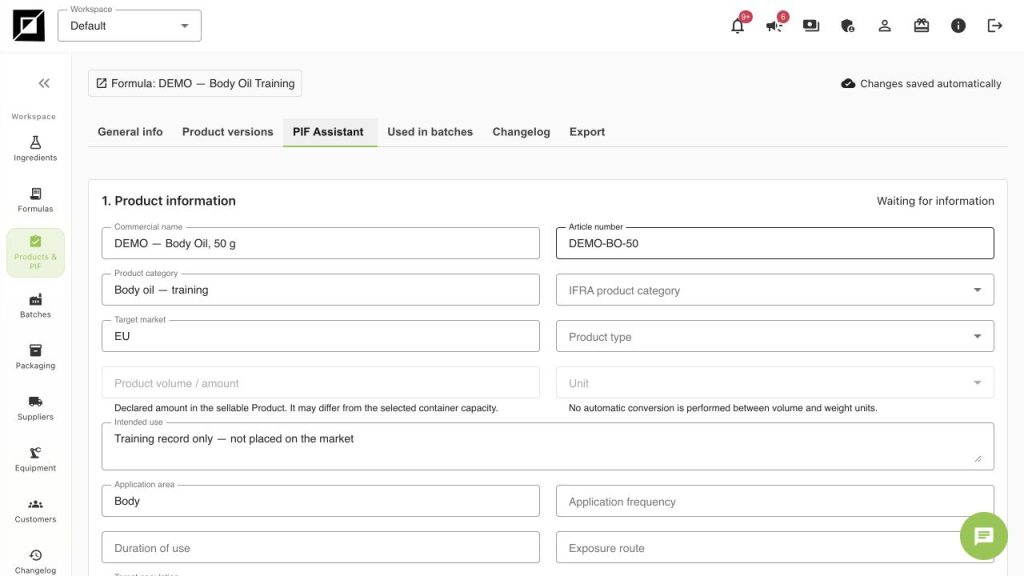
- Open Products & PIF, select DEMO — Body Oil, 50 g and open PIF Assistant. If the button is disabled, return to Product versions and create Product Version 1 first.
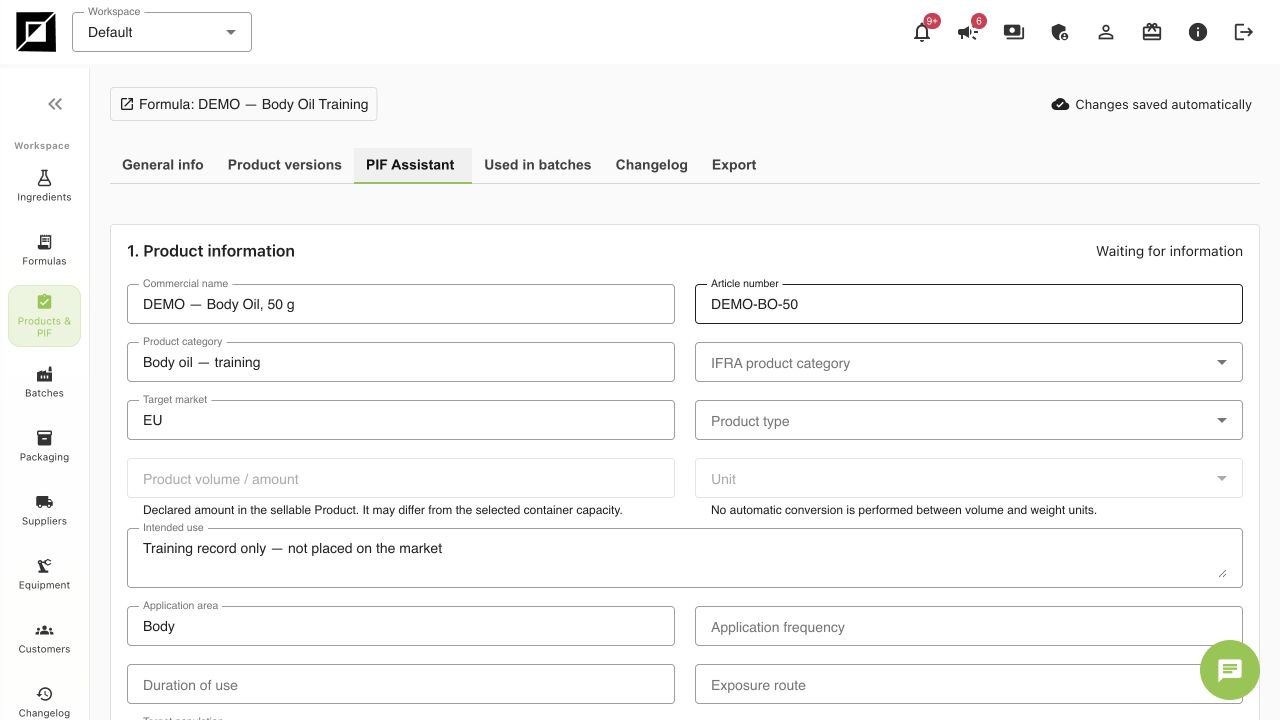
- In 1. Product information, review commercial name, article number, intended use, application area, product type and target market. Compare inherited values with the controlled Product; do not assume every typed Product field has already mapped perfectly into the profile.
- Enter Responsible Person, address and exposure assumptions only when the actual responsible specialist has supplied them. A blank SED constant should stay blank; do not type a number to make a missing-data banner disappear.
- Keep Workflow status = Waiting for information while essential information is missing. Wait for the saved status.
Resolve ingredient evaluations deliberately
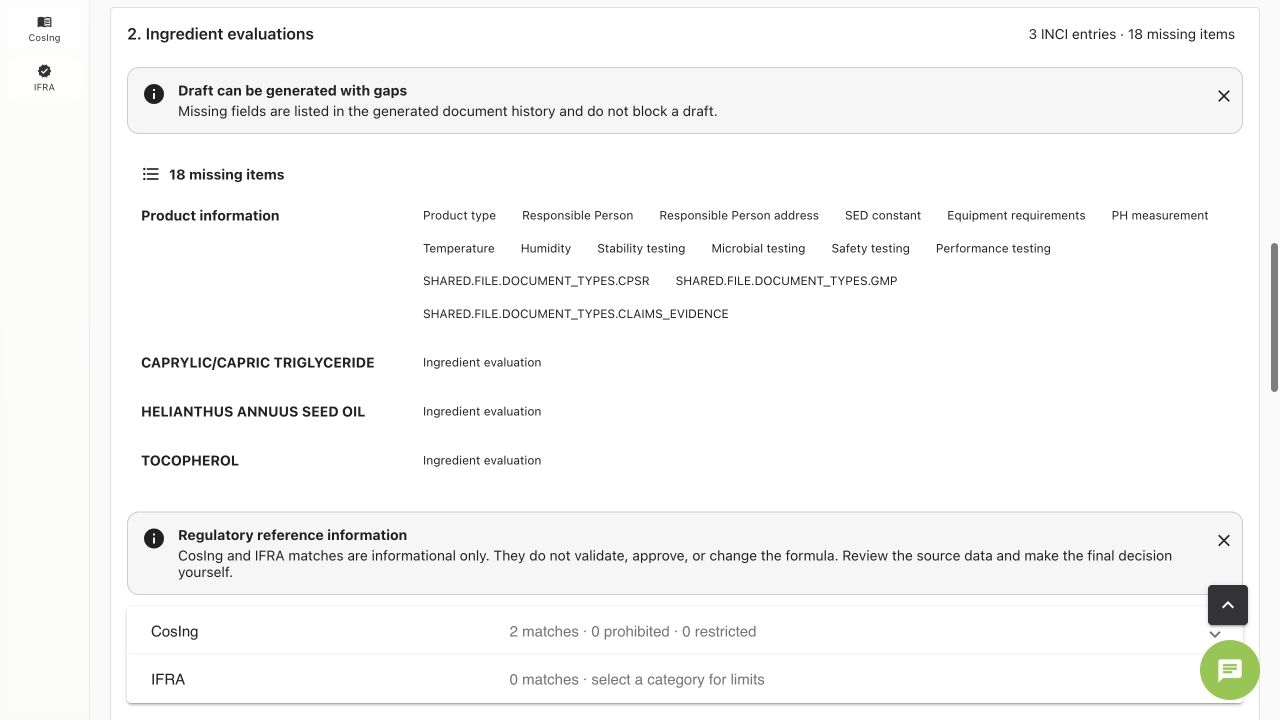
- Open 2. Ingredient evaluations. The DEMO shows three INCI entries and a missing-items list. Read every item; the exact count can change as profile fields are completed.
- For each ingredient use Add evaluation or select an appropriate reusable evaluation. Check the actual INCI, purchased grade, source, review date, restrictions and applicability to this product.
- Do not reuse an evaluation just because the name looks similar. A source or specification change may require another review.
- Treat CosIng and IFRA references as information to inspect. The panel itself says they do not validate, approve or change the formula. Missing source evidence remains a gap.
Put each document in the right place
| Evidence | Where to organise it |
|---|---|
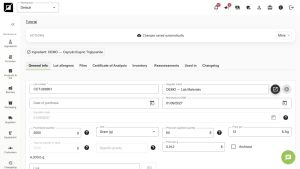
| Supplier TDS/SDS and grade specification | Ingredient → Files |
| Delivery COA and lot-specific checks | Ingredient lot → Files / Certificate of Analysis |
| Development and actual testing | Formula → Notes/Files, plus Batch records for run-specific results |
| Actual equipment used and calibration context | Equipment registry and Batch → Equipment |
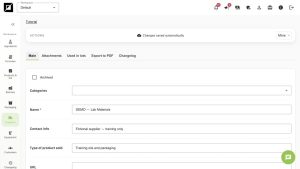
| Product-level supporting documents | Product → PIF supporting documents |
| Generated editable PIF and reviewed versions | PIF Assistant → Drafts and approval |
Draft, review and approval are separate steps
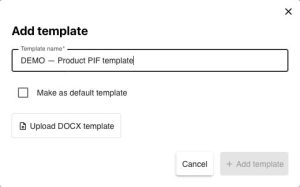
- In 3. Drafts and approval, select a DOCX template suitable for your workspace. Verify that the template is the intended current one.
- The screen permits Generate editable draft with gaps and lists missing fields in document history. A generated draft is therefore not proof of completeness. The DEMO is not approved. Draft generation is shown in lesson 15.
- In a real workflow, generate the draft, download it, review the populated content and missing-field history, and obtain the required substantive documents and specialist decisions. Edit and upload reviewed files through the available document controls.
- Only the authorised reviewer should record approval for the actual reviewed document version. Select that approved version in a future Batch when it is the correct reference.
- If composition, packaging or assessment data changes, review the new Product Version and create the relevant document version. Do not silently use an old approved PIF as if it covered the changed product.
What the software exercise does not provide
No real CPSR, test results, GMP evidence, legal Responsible Person or safety conclusion is supplied by this course. Equipment requirements in a formula/PIF snapshot and actual equipment on a Batch are different records. The DEMO Batch being Done did not approve its Product Version or PIF.
Worked examples in the application
Click any screenshot to read it at full size. All DEMO records are fictional local examples.
Expected result
You can open the Product-level PIF, identify missing information, place evidence on the correct records and explain the route from draft to reviewed document. The DEMO remains Waiting for information.