Lesson 15/18 — Build a traceable draft from a controlled Product Version and documented inputs.
Before you start
Lessons 5 and 7: saved Product Version, packaging and supporting documents.
Prepare and evaluate
- Open Products & PIF → Product → PIF Assistant. Fill intended use, target market, product type, population, Responsible Person, claims and supported exposure assumptions.
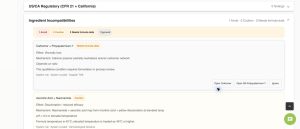
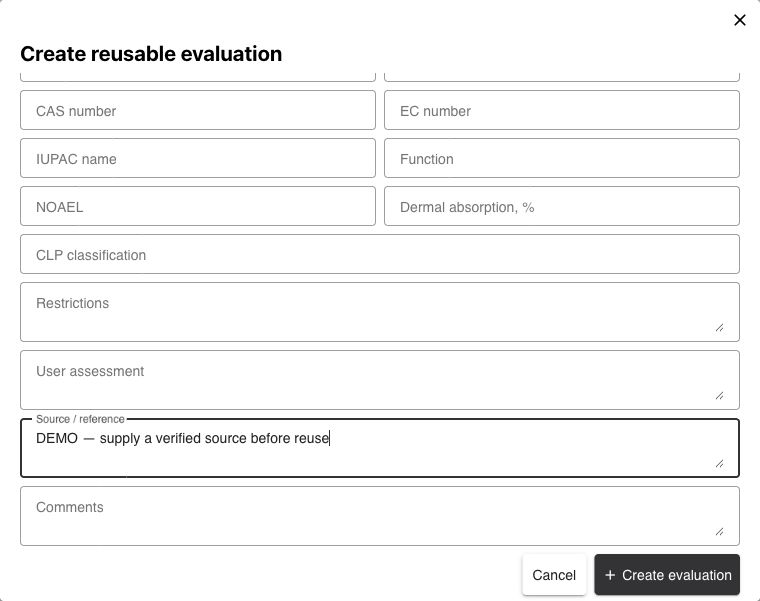
- Review Ingredient evaluations and every missing item. Open each INCI row; select a suitable saved evaluation or enter sourced evaluation data. Values such as NOAEL, absorption and SED assumptions require qualified review; do not invent them to clear a gap.
- Use Products & PIF → Evaluations to create, inspect, duplicate or archive shared evaluations. Check source, author/change history and usage before reusing one. An evaluation for another context is not automatically suitable.
- Attach/type the supporting ingredient and product documents, including CPSR, GMP and claims evidence when applicable. Review primary documents and formula testing/process gaps.
Generate and export
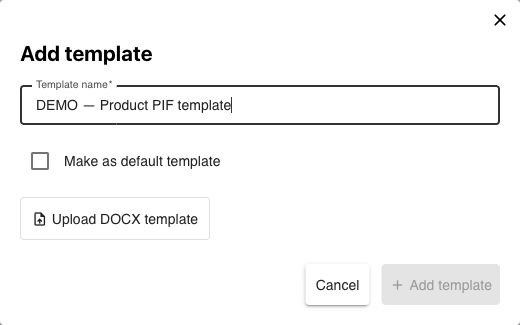
- Open DOCX templates. Download the example template; use supported placeholders such as
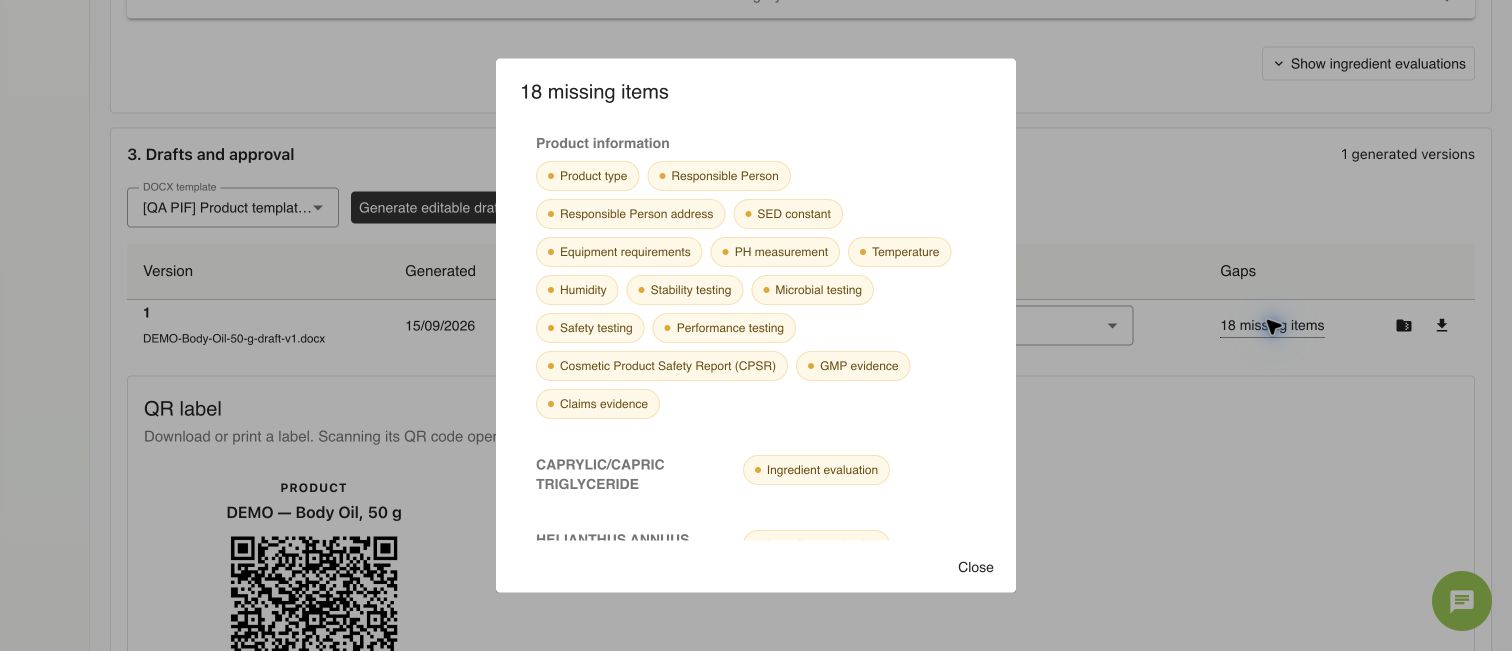
{product.commercialName}and{formula.title}. Add template, enter a name and upload DOCX; review template warnings. - In PIF Assistant select the template and Generate editable draft. Read document version, template version, status and Gaps. Our DEMO produces v1 with 18 missing items; it remains a draft.
- Download the DOCX for editing or ZIP: DOCX + supporting documents for its recorded package. Later source edits do not rewrite an existing generated version; generate a new draft when needed.
- Review missing data and the actual document before requesting/recording review or approval. Approval is unavailable while required gaps remain. In a production batch, select the appropriate approved PIF document if that workflow is used.
Check
An editable draft, ZIP or completed field list is not a safety assessment or product approval. Keep the signed assessment and applicable release decisions in the controlled workflow.
Worked examples in the application
Click any screenshot to read it at full size. All DEMO records are fictional local examples.

Expected result
You can generate, inspect and export a versioned draft while keeping gaps explicit.