Lesson 9/18 — Find the right reference, then verify the exact supplier grade.
Before you start
An INCI name or CAS number from the supplier.
Search and read
- Open Databases → Raw materials. Search the ingredient name and open the relevant record. Compare INCI, functions and supplier information.
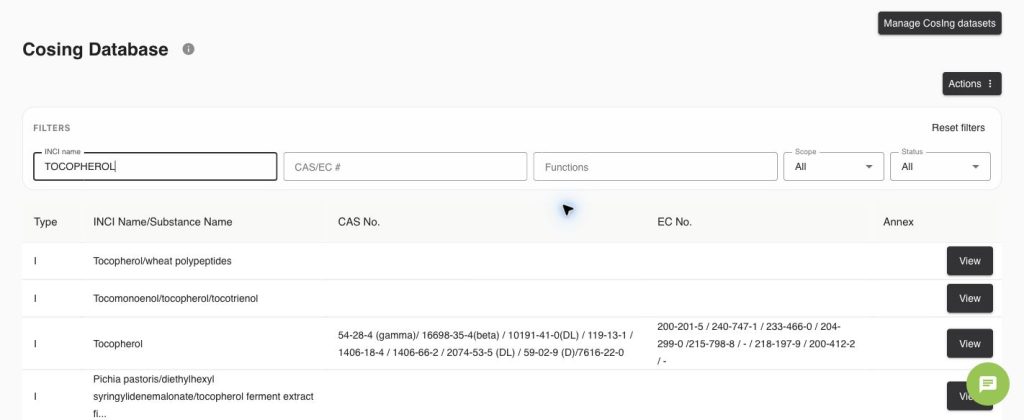
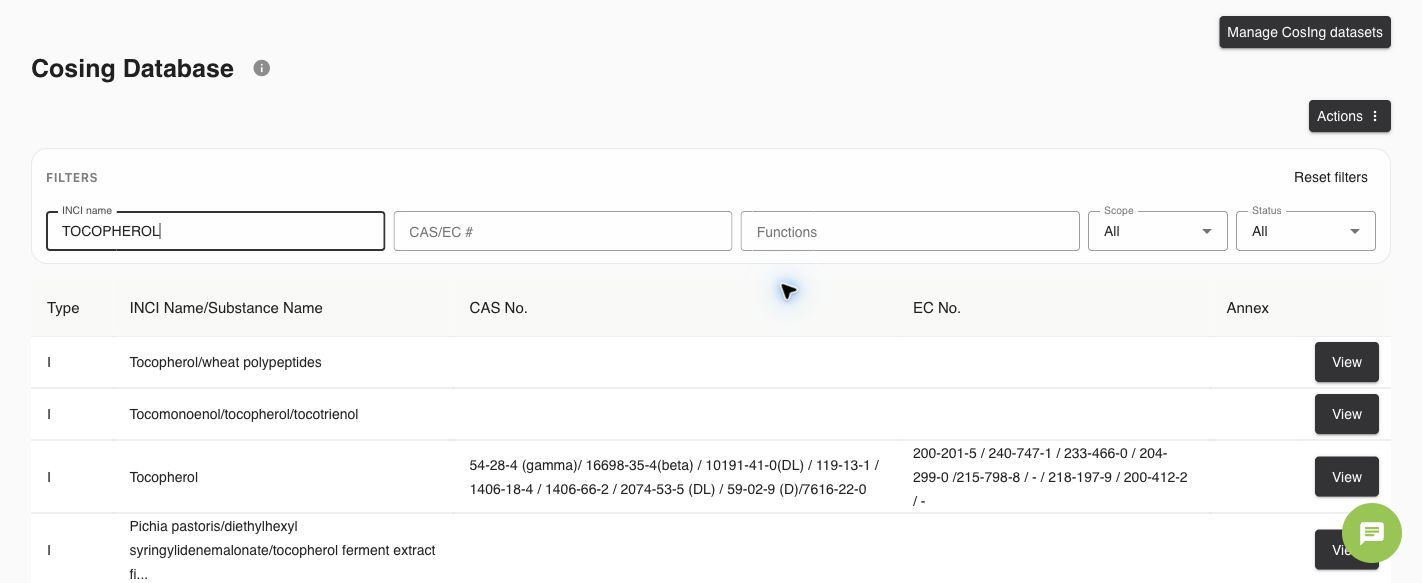
- Open CosIng. Enter at least part of the INCI name, or search by CAS/EC #. Use Functions, Scope and Status to narrow results.
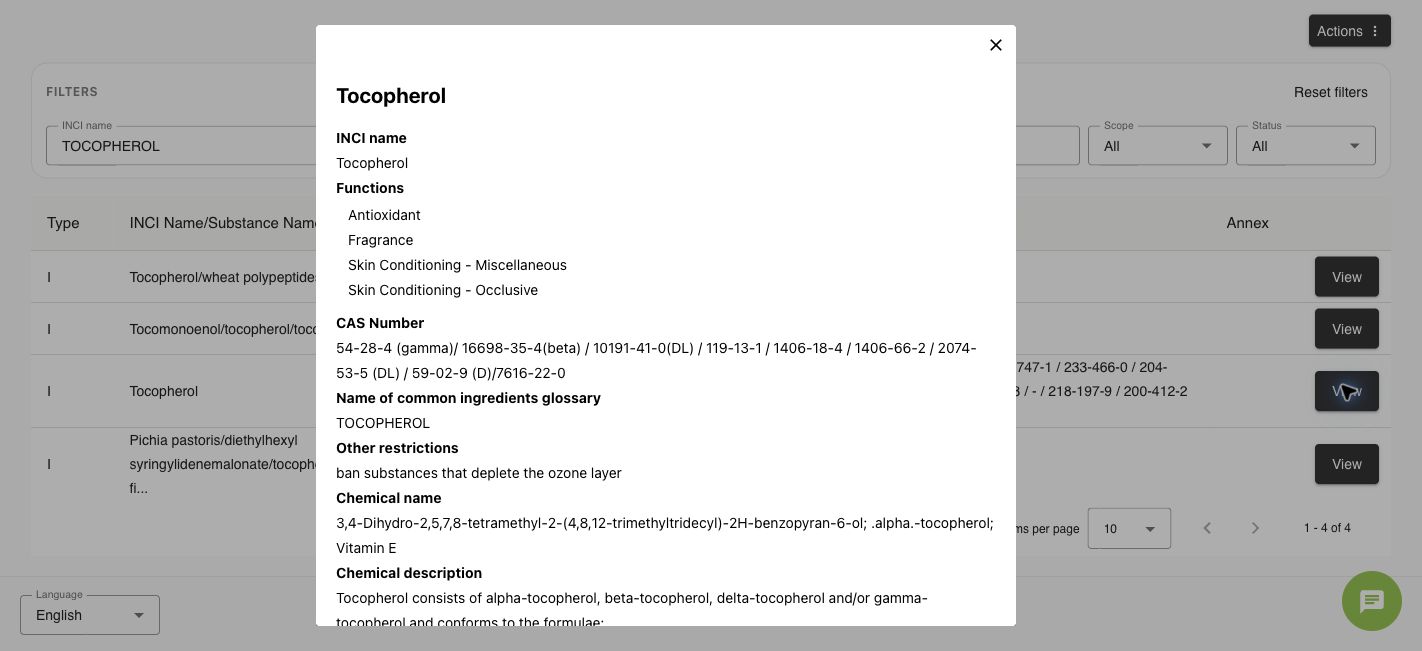
- Select View on the exact substance, not a similarly named mixture. Read its functions, identifiers, annex and restriction text. The screenshot separates Tocopherol from Tocopherol/wheat polypeptides.
Use the result
- In Ingredients → Add ingredient, use Search ingredient from database only after reviewing the reference. This selection can replace the form data.
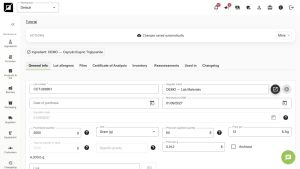
- Enter the actual purchased trade name, supplier composition and supporting documents. A database entry does not create a delivery lot or stock.
Check
An INCI match or a blank Annex is not approval of a finished product. Ambiguous or missing matches require review. European Commission: cosmetics and CosIng.
Worked examples in the application
Click any screenshot to read it at full size. All DEMO records are fictional local examples.
Expected result
You can identify the reference and keep it separate from your purchased material.