Lesson 18/18 — Keep records, access and follow-up actions in the correct workspace.
Before you start
Your workspace role and the account permissions for team features.
Organise
- Open Account → Workspaces. Check name, owner/role and available permissions. Creating additional workspaces or inviting teammates depends on the plan.
- Before creating or selecting a record, check the top Workspace selector. Ingredients, formulas, equipment, lots and products are scoped to it.
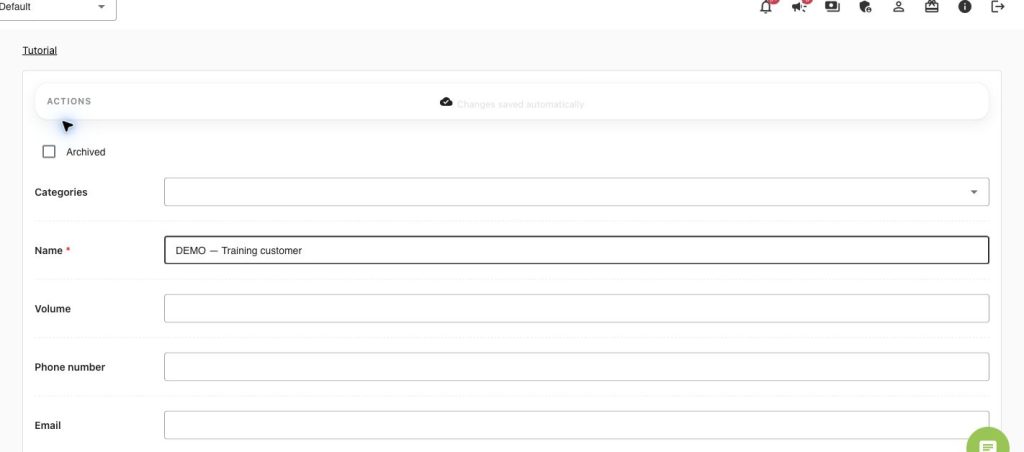
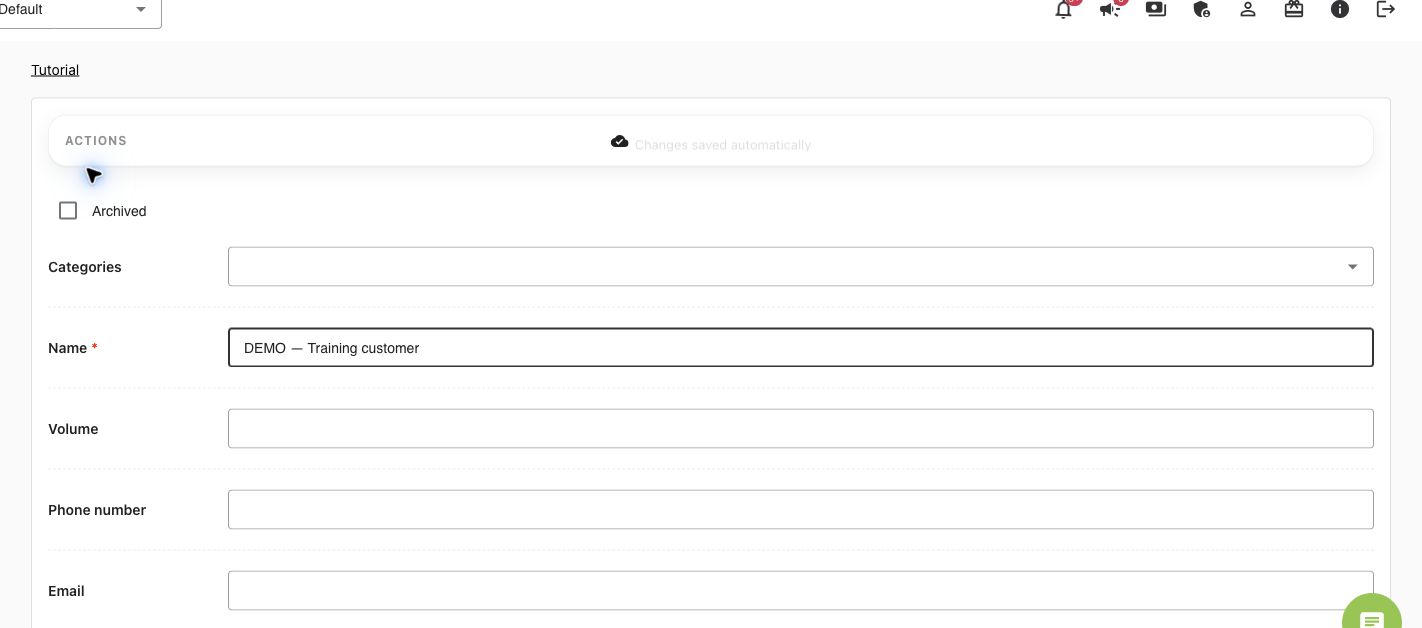
- Open Customers → Add customer. Record the customer name and relevant contact/reference information. Use a fictional customer in training.
- Enter the customer/destination in actual distribution records. Customer details alone do not create a shipment or stock movement.
Daily control
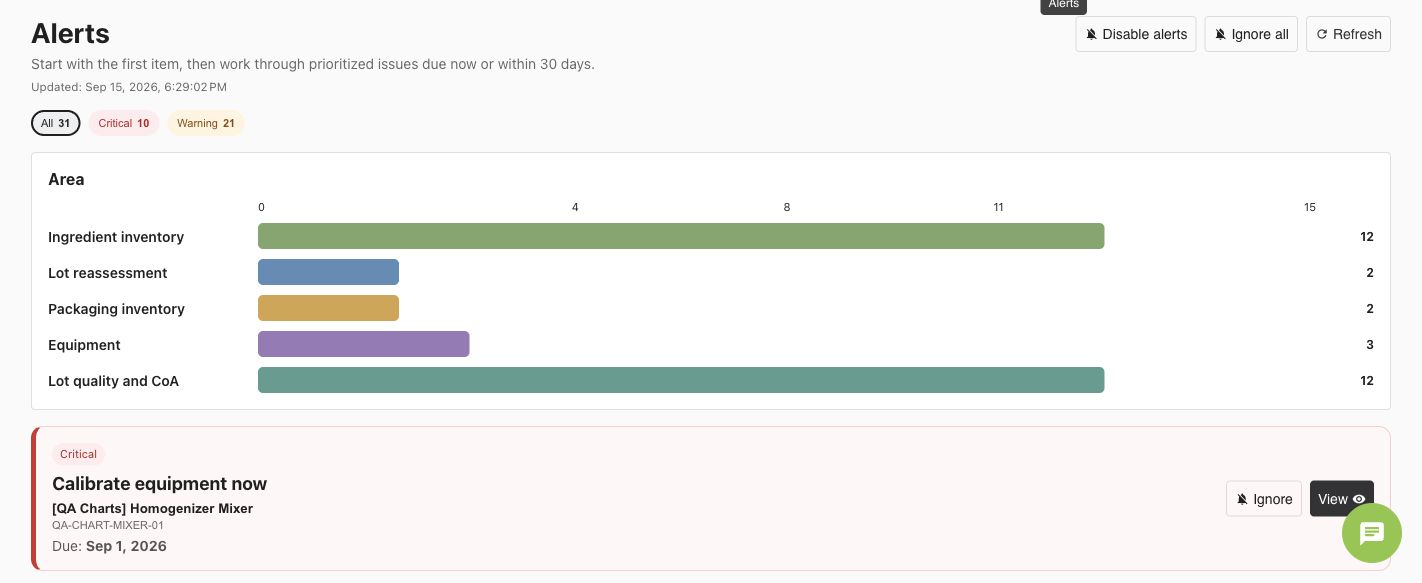
- Open Action center to review pending work and equipment/compliance notifications; open the source record before deciding what to do.
- Use workspace and entity Changelog filters to inspect who changed what and when. A history entry is not approval.
- Archive obsolete records rather than duplicating or deleting traceable references without review. Verify dependent batches, Product Versions and documents first.
- Use the workspace backup/export actions available to your role. Keep the dated backup securely and verify its contents; a spreadsheet of one table is not a complete workspace backup.
Close the loop
Use lesson 8 for distribution, traceability and recall review. Keep production, approved documents, inventory movements and release decisions linked. Check Account plan/payment status when a control is unavailable; do not create a duplicate checkout.
Worked examples in the application
Click any screenshot to read it at full size. All DEMO records are fictional local examples.
Expected result
Your records and daily follow-up have a clear workspace and responsible workflow.